The PixLab OCR team is pleased to announce that it fully support now scanning ID cards from Malaysia (MyKad), Singapore, India Aadhaar, Emirates (UAE) ID & GCC Residence Card, US Driver's License, as well governments issued Passports from all over the world via the /DOCSCAN API endpoint.
Besides its robust text scanning features, the /docscan API endpoint shall Extract (crop) any detected face and transform the extracted text content such as ID card fields (name, ID number, address, etc.) or Passport Machine Readable Zone (MRZ) into JSON object fields ready to be consumed by your code.
Below, a typical output result of the /docscan endpoint for an ID card input image:

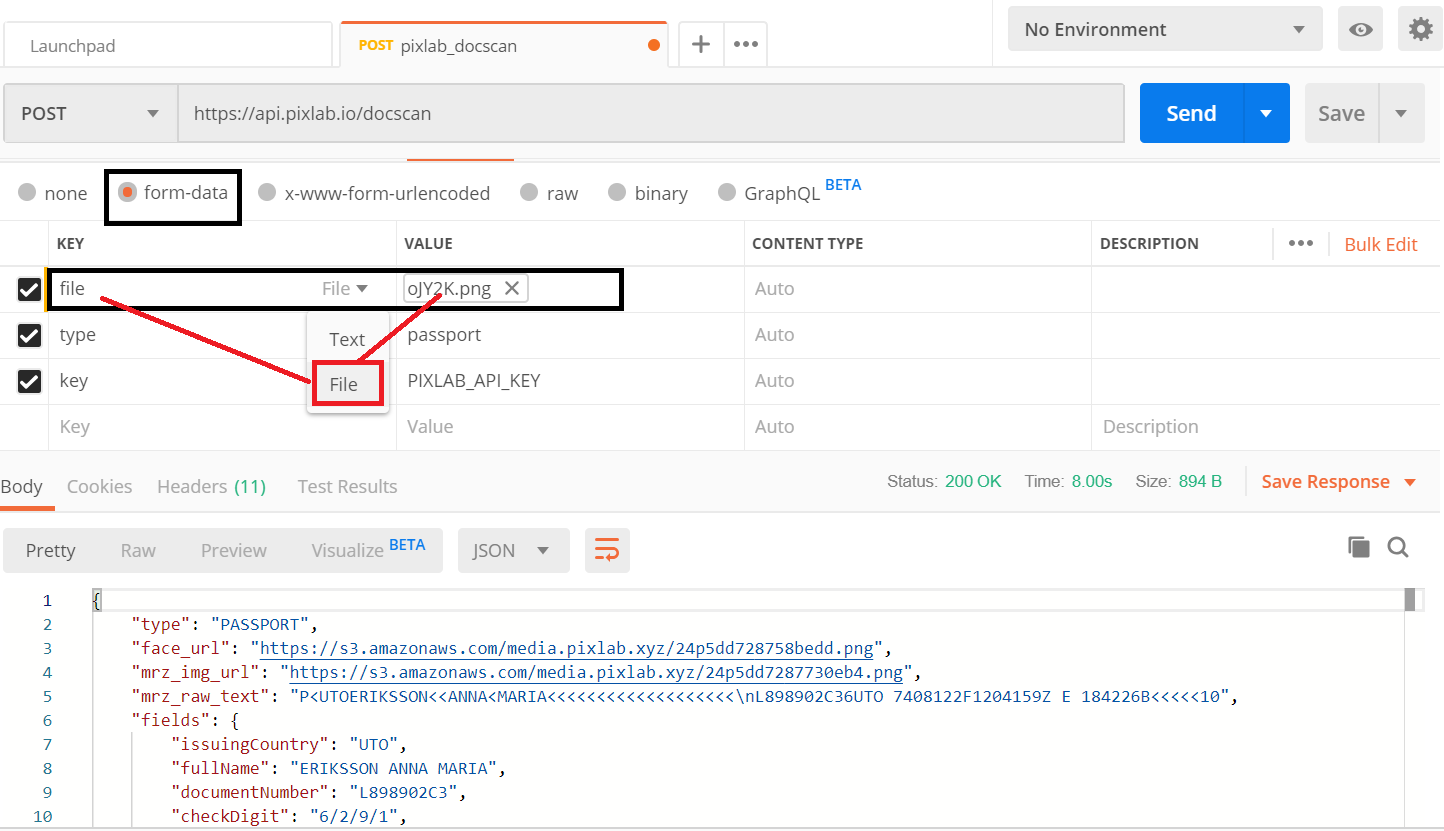
The same applies for Passports:


The code samples used to achieve such result are available to consult via the following Github links:
- Python code for scanning ID cards: id_card_scan.py.
- PHP code for scanning ID cards: id_card_scan.php.
- Python code for scanning Passports: passport_scan.py.
- PHP code for scanning Passports: passport_scan.php.
- For converting PDF documents to raw images, you can rely on the /pdftoimg API endpoint as shown in this Python or PHP gist.
Face extraction is automatically performed using the /facedetect API endpoint. If you are dealing with PDF documents, you can convert them at first to raw images via the /pdftoimg endpoint.
Finally, the official endpoint documentation is available to consult at pixlab.io/id-scan-api/docscan and a set of working samples in various programming language are available at the PixLab samples pages.